Finding a reliable laptop on a student budget can be challenging, especially when there are so many brands, models, and configurations available in the United States. Students need a computer that can handle academic assignments, online classes, research, presentations, video meetings, and everyday productivity without requiring a significant financial investment.

Fortunately, several affordable laptops offer a practical combination of performance, portability, battery life, and useful features. Whether you are a high school student, college undergraduate, or university student, choosing the right device can make studying more convenient.
In this article, we compare the 10 best budget laptops for students in the USA. Each recommendation includes an estimated price, key specifications, advantages, disadvantages, and the type of student who may benefit most.
10 best budget laptop for students in the USA
1. Lenovo IdeaPad Slim 3x
Estimated Price: $449–$630
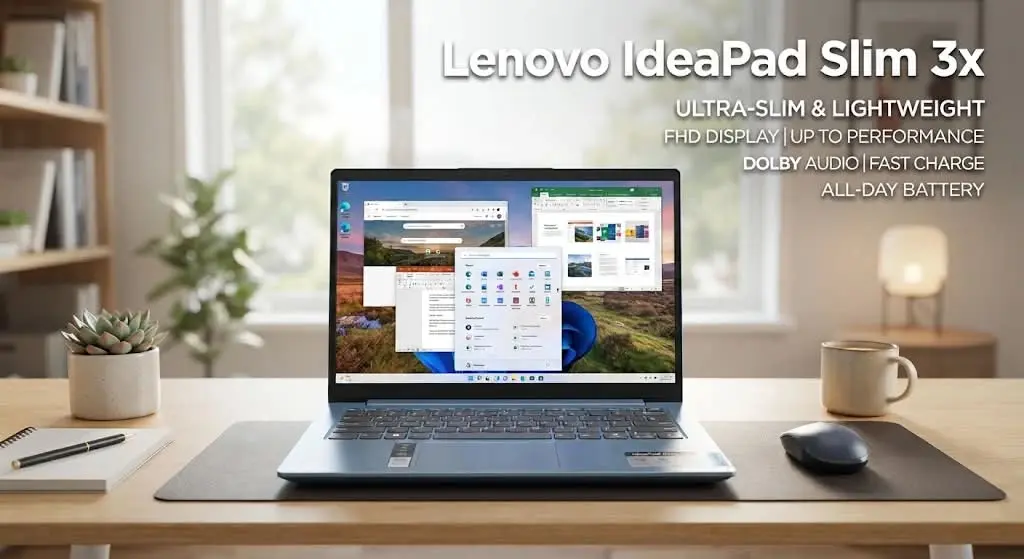
The Lenovo IdeaPad Slim 3x is an excellent starting point for students looking for a capable Windows laptop without spending too much. Its combination of a Snapdragon X processor, available 16GB memory, and a spacious display makes it attractive for everyday academic productivity.
Students can use it for preparing assignments, researching educational topics, creating presentations, attending online classes, and managing multiple browser tabs.
Key Specifications:
- Processor: Qualcomm Snapdragon X
- Display: 15.3-inch FHD+ (1920 × 1200) IPS touchscreen
- Memory: 16GB RAM in the recommended configuration
- Storage: 256GB SSD or higher, depending on model
- Graphics: Integrated Qualcomm GPU
- Operating System: Windows 11
- Weight: Approximately 3.4 pounds
Pros:
- Strong everyday performance
- Comfortable keyboard for typing assignments
- Excellent battery endurance in independent testing
- Large touchscreen display
- Good value when discounted
Cons:
- Display brightness could be better
- Not intended for demanding gaming
- Some applications may have compatibility issues with ARM-based Windows
Best For: College students who need a Windows laptop for research, writing, presentations, and everyday multitasking.
2. Acer Aspire Go 15
Estimated Price: $299–$409
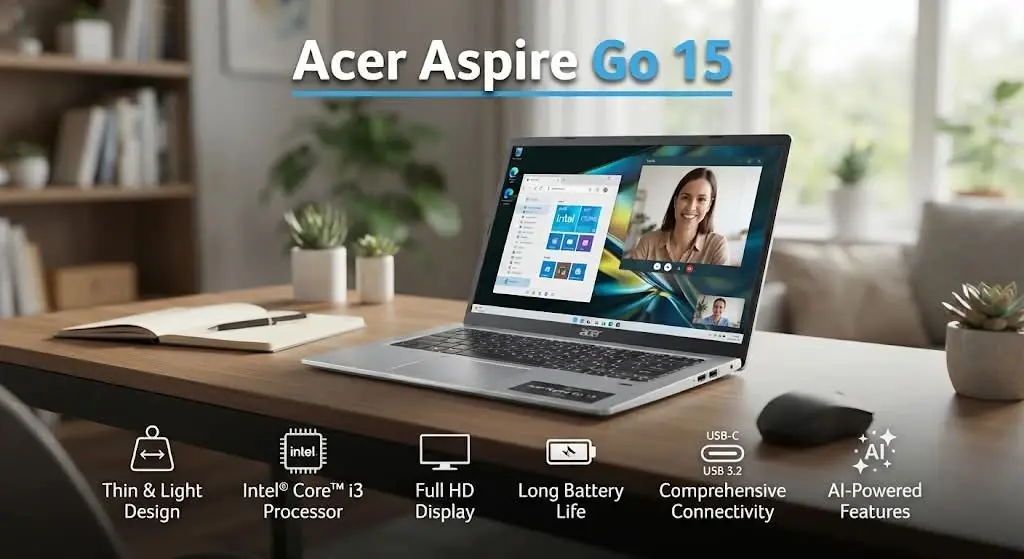
The Acer Aspire Go 15 is a practical choice for students who need an affordable Windows computer. Its relatively large display and straightforward design make it suitable for common academic activities.
Students can use this laptop to write essays, prepare PowerPoint presentations, browse educational websites, read PDFs, and participate in online classes.
Key Specifications:
- Processor: Intel Core i3-N305 in a reviewed configuration
- Display: 15.6-inch Full HD (1920 × 1080)
- Memory: 8GB RAM
- Storage: 128GB in a reviewed configuration
- Graphics: Integrated Intel graphics
- Operating System: Windows 11
- Weight: Approximately 3.8 pounds
Pros:
- Affordable price
- Large Full HD display
- Comfortable keyboard
- Useful selection of ports
- Suitable battery endurance for everyday activities
Cons:
- Limited performance for demanding applications
- 128GB storage may become restrictive
- Webcam quality is relatively basic
- Not suitable for intensive video editing
Best For: High school students and budget-conscious college students who primarily need a laptop for everyday academic tasks.
3. Acer Chromebook Plus 514
Estimated Price: $299–$399
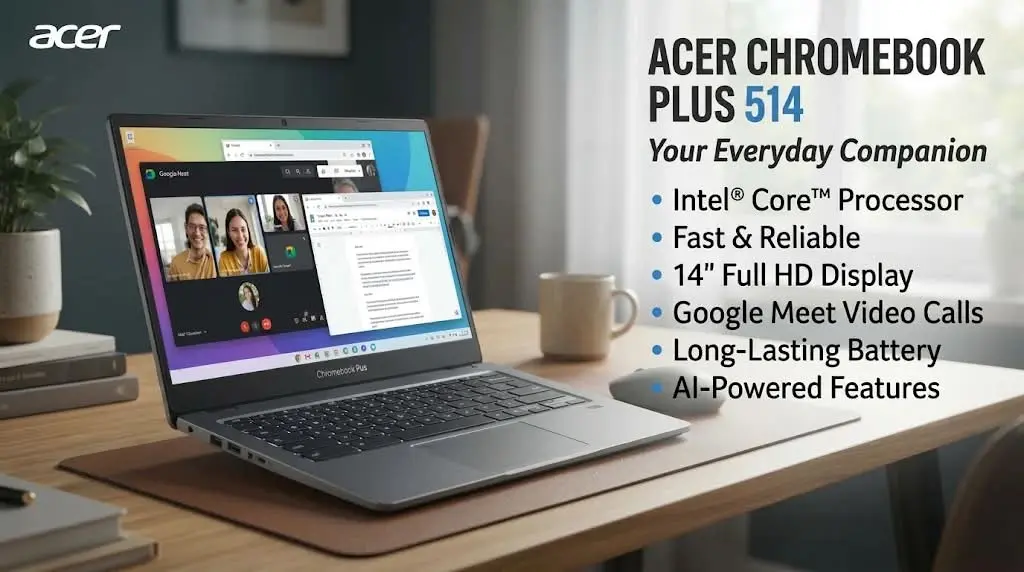
The Acer Chromebook Plus 514 is a suitable option for students who primarily work with internet-based educational tools. ChromeOS provides a relatively simple environment for browsing, document editing, online research, and cloud-based productivity.
Its 14-inch WUXGA display offers additional vertical workspace, which can be useful when reading academic materials or preparing written assignments.
Key Specifications:
- Processor: Intel Core 3 100U in a selected configuration
- Display: 14-inch WUXGA (1920 × 1200)
- Memory: 8GB LPDDR5
- Storage: 128GB UFS in a selected configuration
- Graphics: Integrated Intel UHD Graphics
- Operating System: ChromeOS
Pros:
- Portable 14-inch design
- Sharp display
- Suitable for online learning
- Chromebook Plus productivity features
- Convenient Google Workspace integration
Cons:
- Limited local storage
- Not suitable for all Windows applications
- Not designed for demanding creative software
Best For: Students who use Google Classroom, Google Docs, online research platforms, and browser-based educational tools.
4. Acer Chromebook Plus 515
Estimated Price: $350–$450
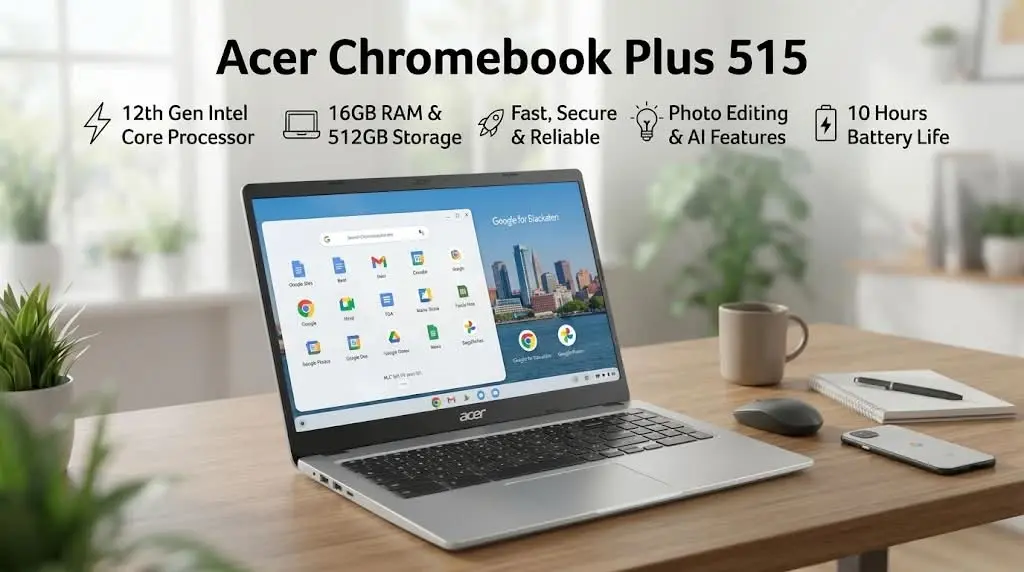
Students who prefer ChromeOS but want a larger display should consider the Acer Chromebook Plus 515.
Its 15.6-inch screen provides more room for reading, browsing, document editing, and managing school-related activities. Selected configurations include Intel Core processors, 8GB RAM, and SSD or UFS storage.
The larger screen can be particularly useful for students who spend several hours working on assignments or attending virtual classes.
Key Specifications:
- Processor: Intel Core series, depending on configuration
- Display: 15.6-inch Full HD
- Memory: 8GB in selected configurations
- Storage: Varies by model
- Graphics: Integrated Intel graphics
- Operating System: ChromeOS
Pros:
- Spacious display
- Suitable for everyday productivity
- Chromebook Plus features
- Convenient for browser-based multitasking
Cons:
- Larger design is less portable than 14-inch models
- Limited compatibility with some desktop applications
- Specifications differ between versions
Best For: High school and college students who prefer a large-screen Chromebook for online education and productivity.
5. ASUS Chromebook Plus CX34
Estimated Price: $399–$449
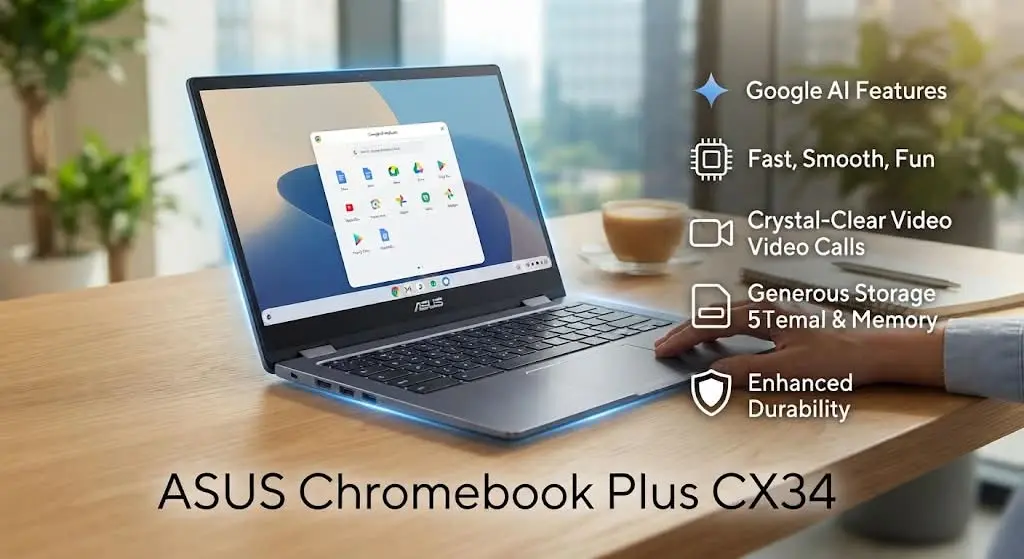
The ASUS Chromebook Plus CX34 is designed for users who want a Chromebook with more productivity-oriented hardware.
Selected configurations feature an Intel Core i3 processor, 8GB RAM, and a 14-inch Full HD display. These features make it suitable for students who regularly use multiple browser tabs, write assignments, and participate in online meetings.
ChromeOS also supports a range of educational and productivity applications.
Key Specifications:
- Processor: Intel Core i3-1215U in a selected configuration
- Display: 14-inch Full HD
- Memory: 8GB RAM
- Storage: 128GB in a selected configuration
- Graphics: Integrated Intel graphics
- Operating System: ChromeOS
Pros:
- Suitable for everyday multitasking
- Compact display size
- Good for web-based academic activities
- Simple operating system
- Chromebook Plus features
Cons:
- Not compatible with every Windows desktop program
- Limited storage in the entry-level version
- Not intended for intensive professional workloads
Best For: Students who need a reliable Chromebook for research, online classes, writing, and everyday productivity.
6. ASUS Chromebook CX15
Estimated Price: $180–$300
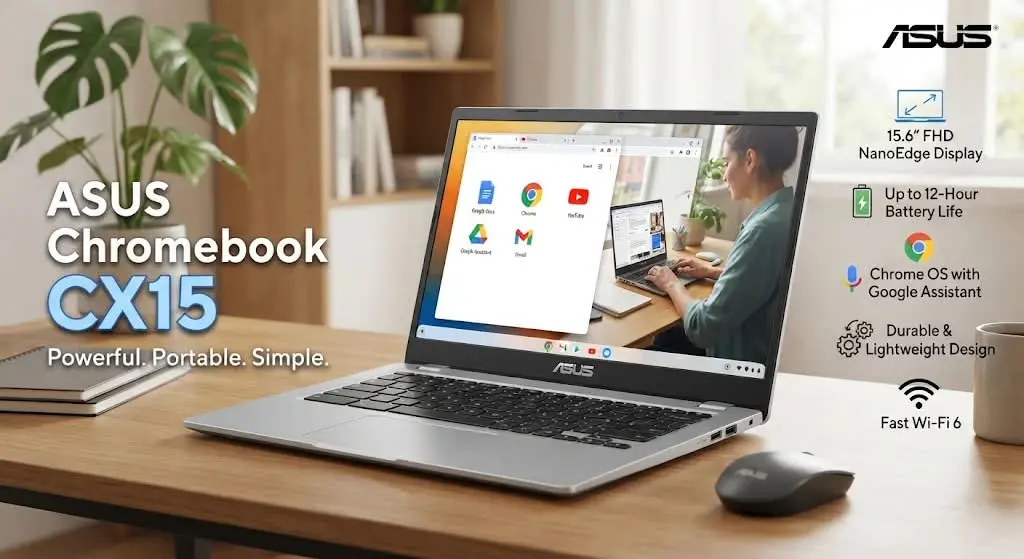
The ASUS Chromebook CX15 is worth considering for students who have a limited budget and primarily need a laptop for basic educational activities.
Unlike Windows computers, Chromebooks operate using Google’s ChromeOS. This makes them particularly convenient for students who work with online applications, cloud documents, and web-based educational platforms.
Key Specifications:
- Display: 15.6-inch, depending on version
- Processor: Varies by configuration
- Memory: Varies by configuration
- Storage: Varies by configuration
- Operating System: ChromeOS
- Connectivity: Ports vary by model
Pros:
- Relatively low purchase price
- Beginner-friendly operating system
- Suitable for basic schoolwork
- Large display on supported versions
Cons:
- Limited support for Windows-only software
- Entry-level configurations may offer modest performance
- Specifications and battery life vary by model
Best For: Middle school and high school students who mainly use Google Docs, Google Classroom, browsing, and online educational resources.
7. Lenovo IdeaPad Slim 3i
Estimated Price: $300–$450
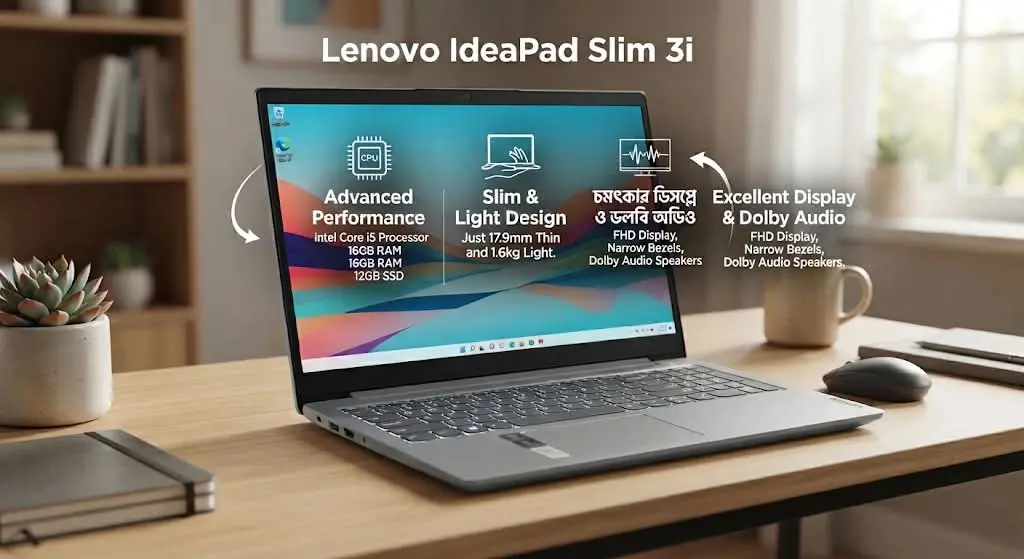
The Lenovo IdeaPad Slim 3i is a budget-oriented Windows laptop designed for everyday computing. Selected configurations offer an Intel N150 processor, 8GB memory, and 128GB storage.
It is suitable for students who need a traditional Windows environment for document preparation, web research, video calls, and general schoolwork.
Key Specifications:
- Processor: Intel N150 in a selected configuration
- Display: 14-inch Full HD in a selected configuration
- Memory: 8GB LPDDR5
- Storage: 128GB UFS 2.2 in a selected configuration
- Graphics: Integrated Intel graphics
- Operating System: Windows 11 Home
Pros:
- Affordable Windows option
- Full HD display
- Useful everyday connectivity
- Suitable for documents and browsing
- Compact design
Cons:
- Limited storage capacity
- Memory may not be upgradeable
- Entry-level processor is not designed for demanding applications
Best For: Students who need Windows for basic schoolwork, browsing, online meetings, and Microsoft Office tasks.
8. Acer Aspire 3
Estimated Price: $300–$400
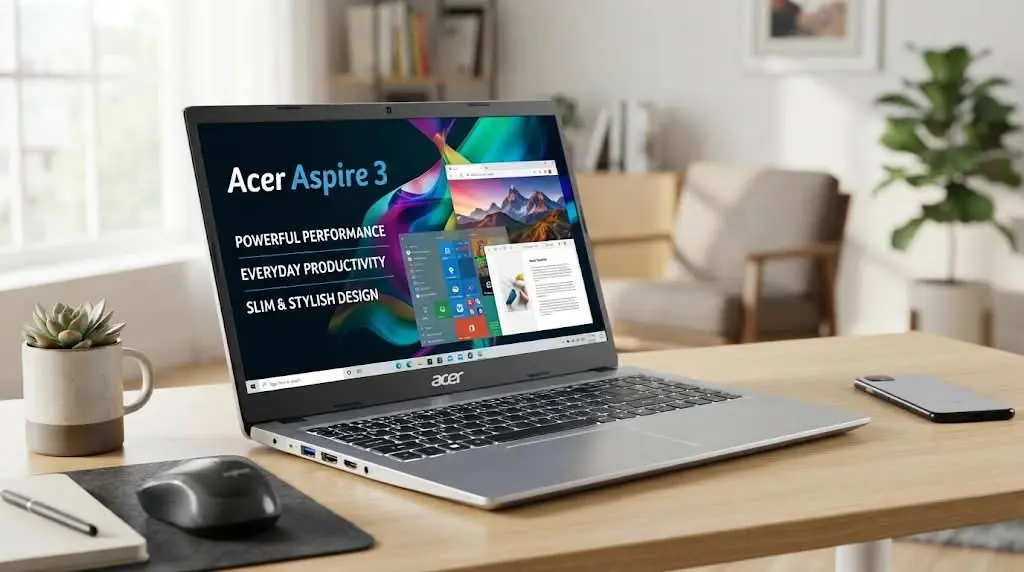
The Acer Aspire 3 is another option for students who want a conventional Windows laptop at a reasonable price.
Selected configurations include AMD Ryzen 3 processors, 8GB memory, and SSD storage. This combination can handle common academic activities, including preparing assignments, managing documents, and researching online.
The Aspire 3 family offers different configurations, so students should check the exact model before buying.
Key Specifications:
- Processor: AMD Ryzen 3 7320U in a selected configuration
- Display: 15.6-inch Full HD
- Memory: 8GB LPDDR5
- Storage: 128GB NVMe SSD in a selected configuration
- Graphics: Integrated AMD Radeon graphics
- Operating System: Windows 11 Home
Pros:
- Affordable Windows laptop
- Large display
- SSD storage
- Suitable for everyday academic activities
- Good choice for budget-conscious buyers
Cons:
- Limited graphics performance
- Entry-level storage may be insufficient for large projects
- Not designed for demanding gaming or professional editing
Best For: College students who need an affordable laptop for assignments, presentations, spreadsheets, and web research.
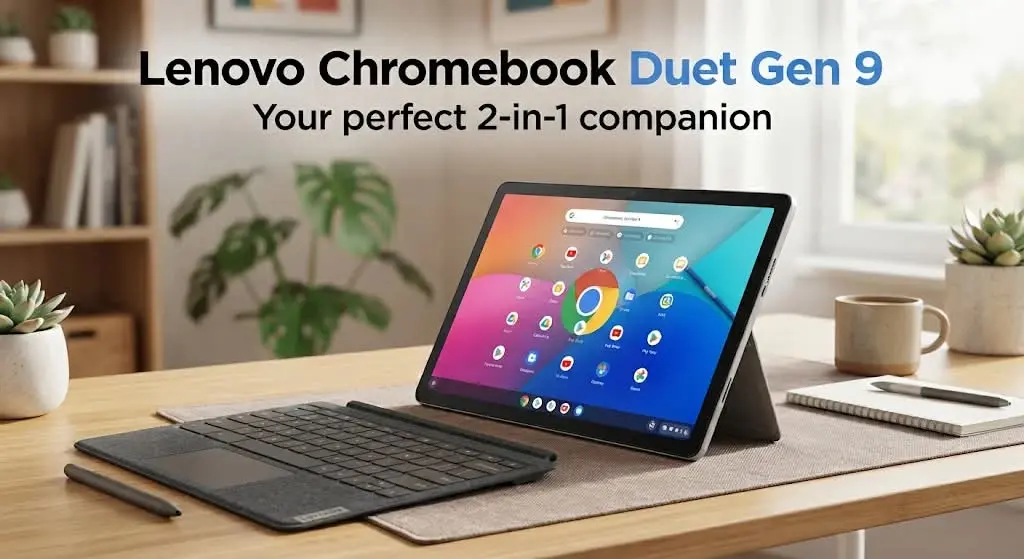
9. Lenovo Chromebook Duet Gen 9
Estimated Price: $250–$350
The Lenovo Chromebook Duet Gen 9 is different from traditional laptops because it combines a tablet-style touchscreen device with a detachable keyboard.
This flexible design makes it attractive for students who want a lightweight device for reading, taking notes, browsing, and attending online classes.
The detachable keyboard allows students to use it like a small laptop when typing assignments and switch to tablet mode when reading digital textbooks.
Key Specifications:
- Display: 10.95-inch touchscreen
- Processor: MediaTek Kompanio 838
- Memory: 8GB in selected configurations
- Storage: 128GB in selected configurations
- Graphics: Integrated graphics
- Operating System: ChromeOS
- Design: Detachable 2-in-1
Pros:
- Compact and portable
- Touchscreen functionality
- Detachable keyboard design
- Convenient for reading and note-taking
- Suitable for basic online learning
Cons:
- Small screen for extensive multitasking
- Not ideal for demanding applications
- Keyboard is smaller than traditional laptop keyboards
- Configuration and included accessories should be checked
Best For: Students who prioritize portability, digital reading, note-taking, and basic online academic activities.
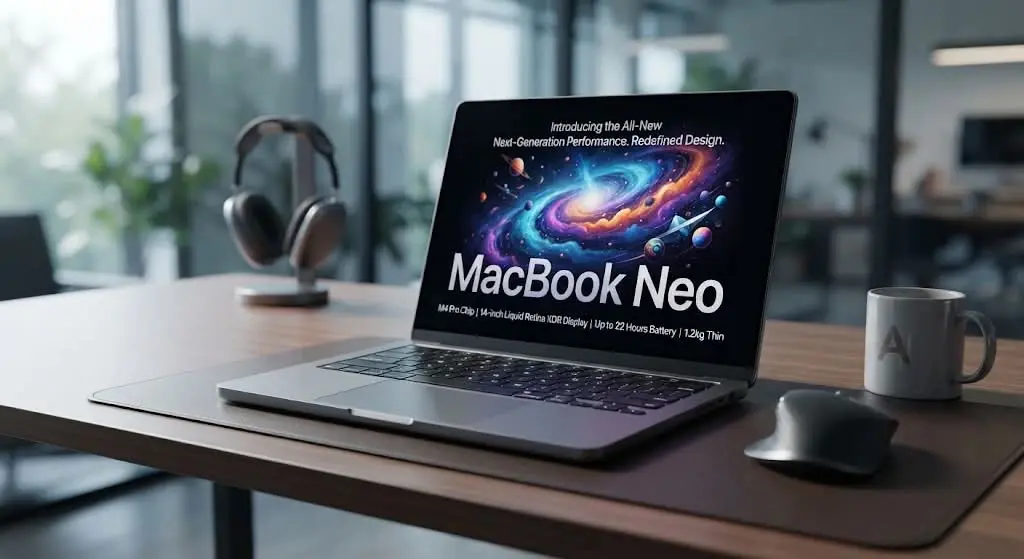
10. Apple MacBook Neo
Estimated Price: $699 (Regular Price)
The Apple MacBook Neo is an attractive option for students who want to enter Apple’s laptop ecosystem without purchasing a more expensive MacBook Air or MacBook Pro.
It features Apple’s A18 Pro chip and a 13-inch Liquid Retina display. Its compact design makes it convenient for carrying between classrooms, libraries, and home.
The laptop is suitable for everyday activities such as writing assignments, browsing, presentations, online research, and video calls.
Key Specifications:
- Processor: Apple A18 Pro
- Display: 13-inch Liquid Retina
- Resolution: 2408 × 1506
- Memory: 8GB unified memory
- Storage: 256GB or 512GB
- Operating System: macOS
- Weight: Approximately 2.7 pounds
Pros:
- Lightweight aluminum design
- High-resolution display
- Good everyday performance
- Convenient Apple ecosystem integration
- Suitable for academic productivity
Cons:
- More expensive than basic Chromebooks
- 8GB unified memory
- Memory and storage are not user-upgradable
- Limited port selection
Best For: College and university students who prefer macOS and need a portable laptop for everyday academic work.
Comparison: Top 10 Budget Laptops for Students
| Laptop | Estimated Price | Best For |
| Lenovo IdeaPad Slim 3x | $449–$630 | Best Overall |
| Acer Aspire Go 15 | $299–$409 | Best Budget Windows Laptop |
| Acer Chromebook Plus 514 | $299–$399 | Best Chromebook |
| Acer Chromebook Plus 515 | $350–$450 | Best Large-Screen Chromebook |
| ASUS Chromebook Plus CX34 | $399–$449 | Online Learning and Productivity |
| ASUS Chromebook CX15 | $180–$300 | Basic Schoolwork |
| Lenovo IdeaPad Slim 3i | $300–$450 | Everyday Windows Computing |
| Acer Aspire 3 | $300–$400 | Affordable College Laptop |
| Lenovo Chromebook Duet Gen 9 | $250–$350 | Best Portable 2-in-1 |
| Apple MacBook Neo | $699 | Best Affordable MacBook |
How to Choose the Best Budget Laptop for Students
Before purchasing a student laptop, it is important to understand which features actually matter. A low price may seem attractive, but insufficient memory, limited storage, or an incompatible operating system can create problems later.
- Processor Performance
The processor affects how smoothly a laptop handles applications and everyday tasks.
For basic academic activities, entry-level modern processors may be sufficient. Students who regularly multitask or use more demanding applications should consider stronger Intel Core 5, AMD Ryzen 5, or comparable processors.
- RAM Requirements
RAM helps a computer manage multiple applications simultaneously.
- 8GB RAM: Suitable for basic academic work.
- 16GB RAM: Recommended for smoother multitasking.
- 32GB RAM: Useful for demanding software and specialized coursework.
For most students purchasing a Windows laptop, 16GB is a worthwhile target when the budget allows.
- Storage Capacity
Students often save documents, presentations, research papers, photographs, and educational resources.
A 256GB SSD is a reasonable starting point for many students. Those who work with larger files should consider 512GB or more.
- Battery Life
Battery life matters when students study in libraries, attend classes, or travel between campuses.
Check independent battery tests and remember that actual results depend on screen brightness, Wi-Fi use, and applications.
- Display and Keyboard
A comfortable display and keyboard make studying easier.
A Full HD display is preferable for most students. Those who frequently type assignments should also consider keyboard quality, touchpad responsiveness, and webcam performance.
- Operating System
Windows is suitable for students who need broad desktop software compatibility. ChromeOS works well for browser-based learning, while macOS is a good option for students who prefer Apple’s ecosystem. Always check university software requirements before purchasing a device.
What Is the Best Student Laptop Budget in the USA
| Budget | Recommended Laptop Type | Suitable Students |
| Under $250 | Basic Chromebook | Middle school |
| $250–$350 | Entry-level Chromebook or Windows laptop | High school |
| $350–$500 | Better Windows laptop or Chromebook Plus | College |
| $500–$700 | More capable Windows laptop or MacBook Neo | University |
.
Where Can Students Buy Budget Laptops in the USA
Students and parents can compare laptop prices from several established American retailers:
- Amazon – A wide selection of laptop brands and configurations.
- Best Buy – Laptop comparisons, in-store shopping, and promotional deals.
- Walmart – Affordable laptops and seasonal discounts.
- Lenovo Official Store – Direct access to Lenovo laptop configurations.
- HP Official Store – HP laptop models and promotional pricing.
- Apple Education Store – Educational pricing for eligible students.
Before purchasing, compare the exact configuration, seller reputation, return policy, and warranty coverage.
Final Verdict
Choosing the right laptop depends on the student’s academic requirements, preferred operating system, and available budget.
The Lenovo IdeaPad Slim 3x is a strong overall value option for students who want Windows functionality and better multitasking capability. The Acer Aspire Go 15 is suitable for buyers who want a more affordable Windows laptop, while the Acer Chromebook Plus 514 is a practical choice for browser-based learning.
Students who prefer a portable device may appreciate the Lenovo Chromebook Duet Gen 9. Meanwhile, the Apple MacBook Neo is an interesting option for students who want macOS and are comfortable spending more.
Our recommendation: For most students, a Windows laptop with 16GB RAM and at least 256GB SSD storage offers a good balance of usability and long-term value. However, students should always prioritize software compatibility, battery life, keyboard comfort, and the actual price over brand popularity.
Frequently Asked Questions (FAQs)
- What is the best budget laptop for students in the USA in 2026?
The Lenovo IdeaPad Slim 3x is a strong overall option because of its performance, battery endurance, and available 16GB RAM configuration.
- What is the cheapest good laptop for students?
The ASUS Chromebook CX15 is worth considering for basic online schoolwork.
- Is $500 enough for a good college laptop?
Yes. A $500 budget can provide several useful Windows laptops and Chromebook Plus options.
- Is 8GB RAM enough for college students?
Eight gigabytes can handle basic assignments, browsing, and online classes.
- Are Chromebooks good for university students?
Chromebooks can work well for students who primarily use web-based applications and cloud services.
Read more
- Best drawing pencils in US, Reviewed, Prices & Where to Buy
- Best scientific calculator in USA, Price, Reviews & Buying Guide
- Study Abroad in UK: Cost, Requirements, Scholarships & Complete Guide
- Top 10 best university in USA for international students
- top 10 best universities in Europe for international students
- Study Abroad in Canada: Requirements, Costs, Scholarships & Guide
- Study in Australia: Admission, Cost, Requirements & Scholarships
- Study Abroad in Japan: Complete Guide for International Students
- Commonwealth Shared Scholarships: Eligibility, Benefits, Application Process
- Top 10 Countries for International Students, Costs, Universities, Scholarships
- How to learn artificial intelligence for beginners, Complete Guide to AI, Its Benefits, Skills, and Future
- AI Literacy for Students: Importance, Benefits, Essential Skills